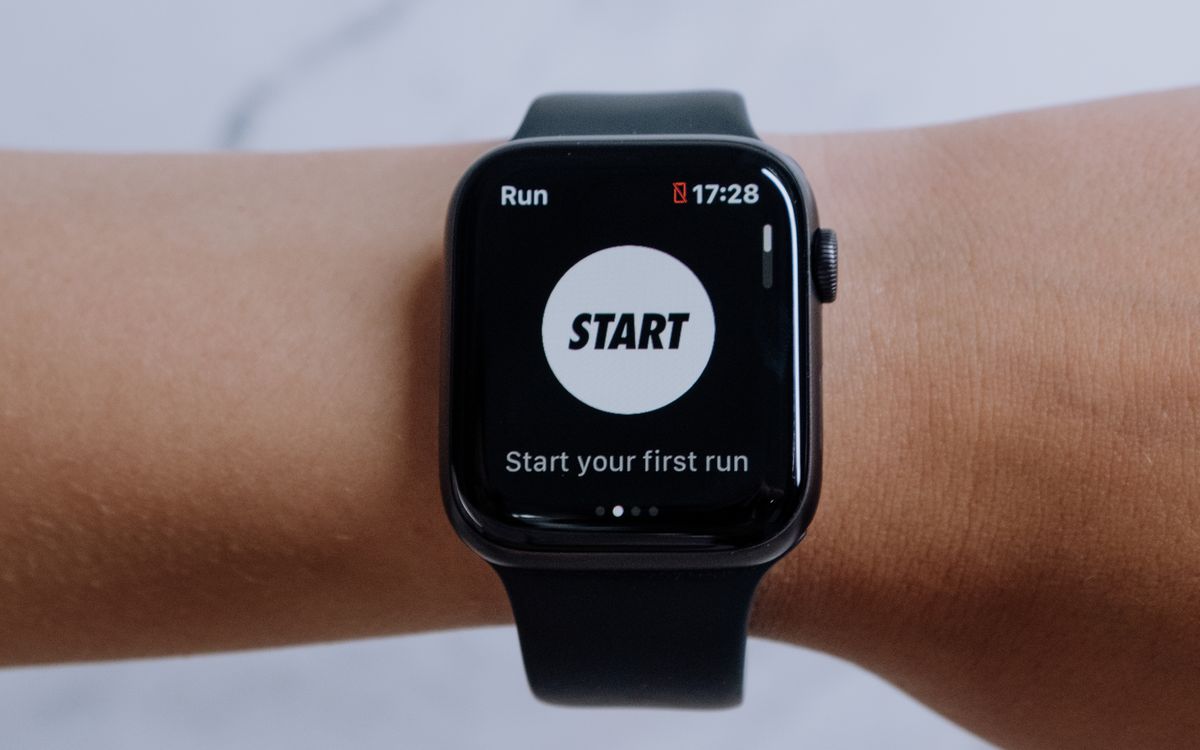
Fitness bands and smartwatches get shelved together and compared like rivals, but they are answers to different questions. A fitness band asks: what is my body doing, continuously, for a week at a time? A smartwatch asks: what can my phone do, held up to my wrist, while also tracking my body reasonably well? Buying the wrong one of the two is not a disaster — both count steps — but it is a daily friction you will feel every time you charge it, miss an alert, or squint at a screen that was not designed for the thing you just asked it to do.
Two products that solve different problems
The band’s design philosophy is continuous measurement with minimum intervention. A Fitbit Inspire 3 or Charge 6, a Xiaomi band, an Amazfit band — the hardware is a sensor board, a small battery and a screen just large enough for a number. The result is a device light enough to forget you are wearing it, which matters more than it sounds: sleep tracking and resting heart rate are only accurate if the device stays on around the clock, and people keep bands on because charging them twice a week is the whole point.
The smartwatch’s philosophy is an interface, not a sensor. Apple Watch, Samsung Galaxy Watch and Google Pixel Watch run app operating systems, take calls, pay for coffee, display maps and stream music. Their sensors are nearly as good as a band’s; everything else on the device competes with those sensors for battery and attention. You are choosing a computer that happens to measure your heart rate over a sensor that happens to have a screen.
Battery and screen: the physical trade-off
The clearest practical difference is charging. Typical bands run five to ten days per charge — Fitbit rates the Charge 6 at up to seven days and the Inspire 3 at up to ten — while full smartwatches live on a daily cycle: Apple Watch models are designed around roughly 18 hours per charge, the Pixel Watch around a full day, and multi-day smartwatch battery generally requires the low-power display compromises of a Garmin or a ruggedized model. Our breakdown of smartwatch battery claims explains why the vendor numbers for watches assume features switched off.

The screen drives the same split in the other direction. A band’s monochrome or dim touchscreen is unreadable in the sense that it cannot show a map, a boarding pass or a keyboard; a watch’s bright AMOLED is a genuine second phone screen but is also the single largest battery consumer on the device. Neither choice is a defect — both follow directly from the battery physics.
The sensor parity myth
Marketing on both sides implies the more expensive device measures your body better. The evidence says otherwise. Wrist wearables across price tiers use the same underlying optical photoplethysmography for heart rate and the same accelerometer approach for movement, and validation studies consistently find that measurement quality depends far more on fit, skin contact and motion than on price. Sleep-stage estimates from a $150 band and a $400 watch are both rough estimates against polysomnography — the honest picture of what any of them measure is in our guide to sleep tracker accuracy.
Where smartwatches genuinely pull ahead is hardware breadth: onboard GPS for phone-free runs, electrocardiogram apps, skin temperature, and on some models blood-oxygen trending and LTE. Most of that is irrelevant to a person whose tracking is steps, sleep and a few workouts a week — and a runner training seriously should be looking at dedicated running watches rather than either category, as our running watch comparison covers in detail.
Notifications: the feature you cannot unbuy
If you have ever lived with a smartwatch, you know the actual daily value proposition: your wrist buzzes and you glance at it. Bands reproduce about a third of that experience. They receive notifications and show them, and on the better ones you can send canned replies from an Android phone. They cannot take a call, dictate a response, dismiss with an action, or run the app the notification came from.
This is the feature most likely to decide the purchase, and it has nothing to do with fitness. Someone who wants silence from their pocket and no more will find a band’s filtered notifications ideal — arguably better, since a band buzzes less. Someone who found themselves answering calls from their wrist during a commute cannot go back. Before comparing any spec sheet, spend a week noticing how often you actually act on phone notifications rather than just glancing at them.
Subscriptions on both sides
The band category invented the subscription trap, and the watch category has been catching up. Fitbit Premium, at $9.99 per month, gates the Daily Readiness Score and deeper sleep analytics behind payment; the free tier still shows steps, heart rate and sleep stages, but the headline guidance features sit in the paywall. WHOOP turned the model inside out entirely — the hardware is nominally free and the subscription runs $199 to $359 per year. Oura charges a $69.99 annual membership for full insights. Over three years, a subscription tracker can quietly cost more than a one-time-purchase smartwatch.
Garmin runs the opposite play: Garmin Connect’s core analytics are free, and the Connect+ tier introduced in 2025 at $6.99 per month adds extras on top of a free base rather than removing features from it. Samsung Health includes recovery-style metrics with no fee. The rule for buyers: price the platform, not the device. Ask what the product you are considering shows after month thirteen, and whether the features that sold you in the store are still free by then.
What a smartwatch does that no band replaces
Three capabilities are watch-exclusive in practice. First, phone-free connectivity: LTE models handle calls, messages, streaming and payments with the phone left behind, which is a genuine safety and convenience upgrade for runs and errands. Second, navigation — a watch renders a map; a band buzzes when you miss a turn. Third, third-party apps, which turn the device into whatever your week demands: transit cards, timers, audio books, workout guides.
None of these are fitness features, which is exactly the point. If your goals are measurable with a sensor board — activity, sleep, heart rate — the band is the more disciplined tool and the cheaper one. If the wrist is where you want your phone’s most frequent interactions, the watch earns its battery penalty daily.
A decision framework by goal
General health and habit building — steps, sleep, weight management: buy the band. The data quality is comparable, battery life makes adherence effortless, and nothing in the goal list needs an app store. A Fitbit Charge 6 or Inspire 3 class device covers it.
Run or workout training with structure — pace, GPS, recovery guidance: skip both and buy a dedicated running watch; the GPS, battery and training analytics there outclass any general-purpose smartwatch at equivalent prices.
Smartphone companion with fitness as a side feature: buy the smartwatch that matches your phone — Apple Watch with iPhone, Galaxy Watch with Android — and judge it as an interface first, tracker second.
Chronic condition monitoring or specific health metrics (ECG, irregular rhythm alerts): smartwatch, because the band category largely omits the certified sensors, and treat the output as screening rather than diagnosis.
The honest cost of getting it wrong is small but recurring: a band owner who wanted calls from the wrist will feel it daily, and a watch owner who only ever looks at step count is paying $300 more per year plus a nightly charging habit for nothing they use.